

Multi-repository deployments are available on Enterprise plans.
How multi-repository deployments work
Each repository in a multi-repository deployment has its own:- Git provider connection
- Branch
- Optional content directory
- URL path
docs.json
docs.json is the root docs.json and controls site-level configuration, including theme, colors, logo, site name, top-level navigation, integrations, SEO, and other top-level fields. Every other source contributes only its own navigation and content under its configured URL path. The first repository you configure is the base source by default, and you can change which source is the base at any time.
Multi-repository deployments are different from a monorepo setup. Use a monorepo setup when you store all content in a subdirectory alongside source code in a single repository. Use multi-repository deployments when you store content across separate repositories.
Requirements
- An Enterprise plan
- Admin access to your Mintlify project
- A
docs.jsonfile in each repository source - All repository sources must use the same Git provider (all GitHub or all GitLab). Adding a source from a different provider removes all existing sources of the other type
Configure multiple repositories
Open Git settings
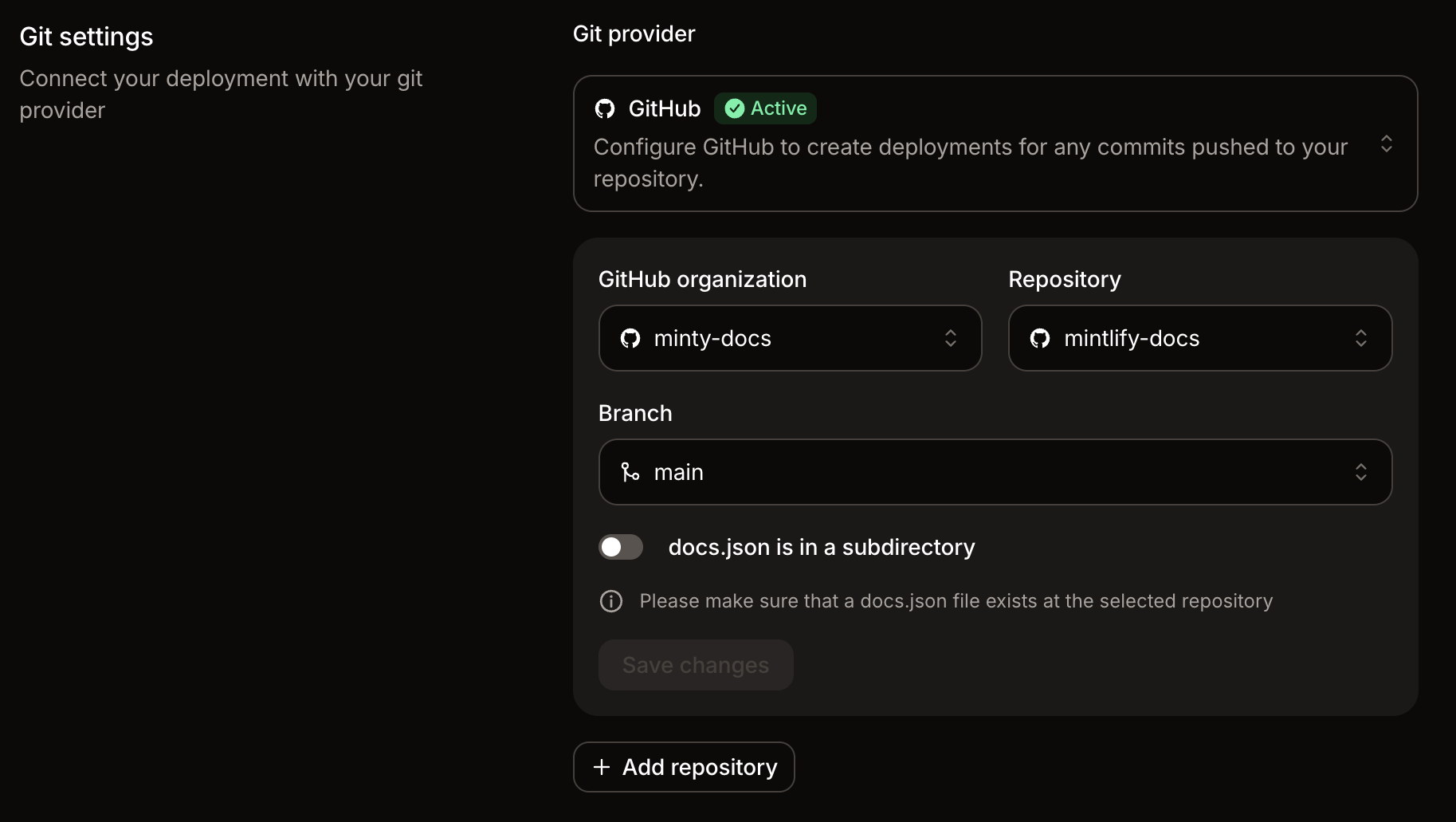
Navigate to Git settings in your dashboard.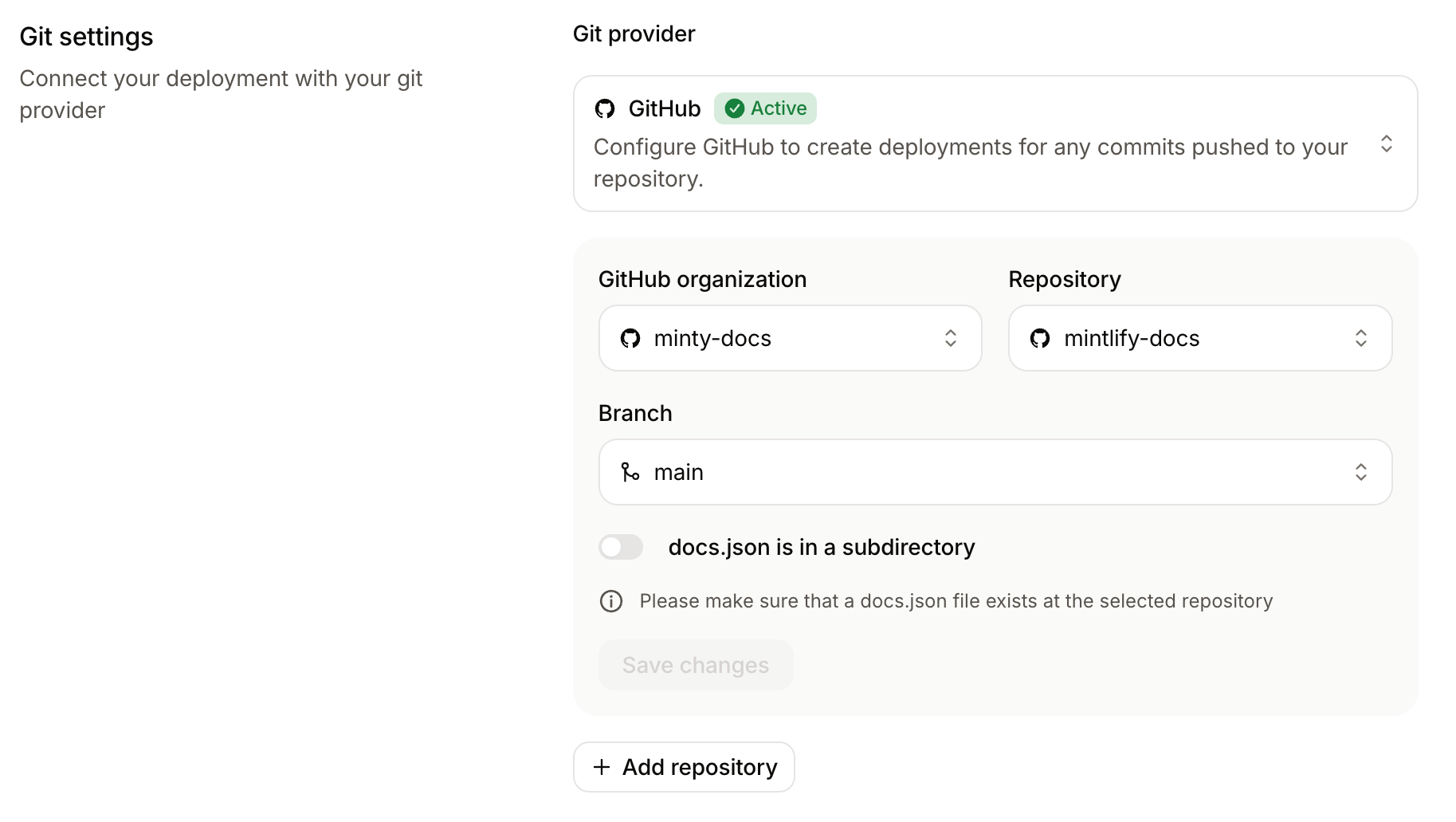
Configure the repository source
Select the repository, branch, and any required Git provider-specific fields (GitHub or GitLab).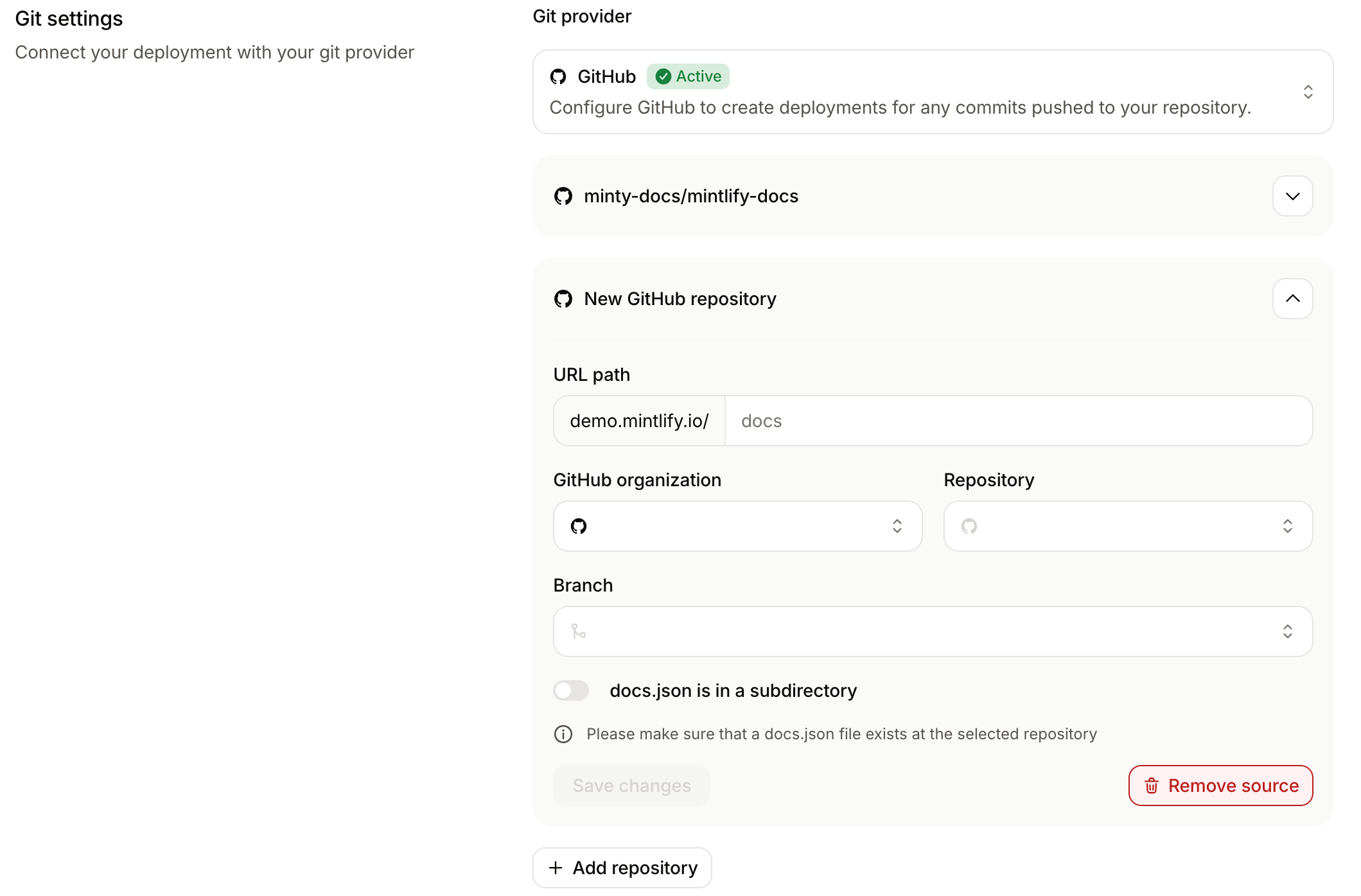
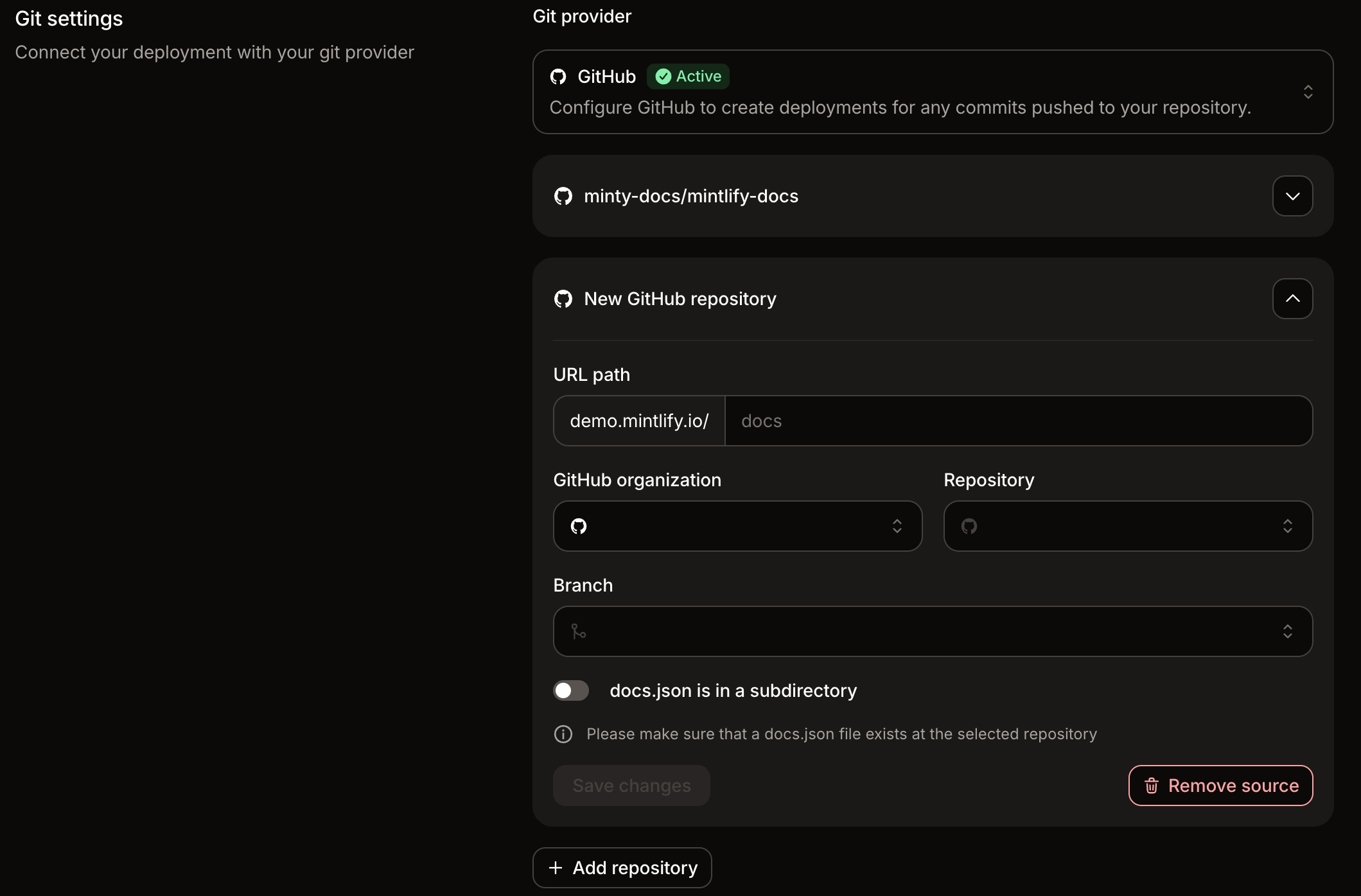
read_repository scope.If the repository’s docs.json is in a subdirectory rather than the root, enable docs.json is in a subdirectory and enter the path to that directory.Set the URL path
Enter a URL path for the repository source.The URL path determines where the content from that repository appears on your docs site. For example, a URL path of
api serves the content under docs.example.com/api.You can enter the path with or without leading slashes. Mintlify normalizes the value when you save.
Change the base source
The base source provides the site-wide configuration for your multi-repository deployment. Change the base source when you want a different repository’sdocs.json to control settings like theme, colors, site name, and top-level navigation.
Open Git settings
Navigate to Git settings in your dashboard.The current base source shows a Base badge next to the repository name.
Example repository layout
In this example, each source has its own repository and its owndocs.json.
| Repository | URL path | Published path |
|---|---|---|
acme/product-docs | product | /product |
acme/api-docs | api | /api |
acme/sdk-docs | sdks | /sdks |
Navigation behavior
Mintlify combines the navigation from each repository into one site navigation. Each repository source becomes a top-level product section under the configured URL path. The name of each product section comes from thename field in the corresponding repository’s docs.json. For example, if a repository’s docs.json sets "name": "API Reference", its product section appears as “API Reference” in the combined navigation.
Keep each source’s navigation scoped to that repository. For example, pages in the API repository should reference only files that live in the API repository, and pages in the SDK repository should reference only files that live in the SDK repository.
Nested navigation.products configurations are not supported inside individual source repositories.
Reference navigation from another source
By default, Mintlify wraps each repository’s navigation into a top-level product section. If you want more control over where another source’s navigation appears, use asourceRef entry in the base source’s docs.json to inline the navigation from another repository at a specific location.
Use sourceRef when you want to:
- Show multiple repositories under a single set of tabs instead of separate product sections.
- Place a repository’s navigation inside a specific group, tab, or global anchor.
- Combine content from multiple repositories in a single navigation structure.
How sourceRef works
Add a sourceRef entry to a navigation array in the base source’s docs.json. The value must be the owner/repo identifier of another repository source in the deployment.
owner/repo); other formats fail the merge.
When Mintlify builds the combined navigation, it replaces each sourceRef entry with the matching navigation array from the referenced repository’s docs.json. The key of the parent array determines which array Mintlify reads from the referenced source. For example, a sourceRef inside a tabs array is replaced by the tabs array from the referenced source’s docs.json.
sourceRef is supported inside any navigation array, including tabs, groups, pages, products, and arrays under navigation.global.
Mintlify prefixes every path from the referenced source with that source’s URL path, so pages resolve to the correct location without extra configuration.
Example
In this example, the base source (owned byacme at repository docs) is served at /docs and shows a Guides tab. The sourceRef inlines the tabs from a second source (acme/api-docs) configured at /api.
Base source docs.json:
docs.json at URL path api:
Requirements and limitations
sourceRefvalues must use theowner/repoformat and match a repository source configured in the same deployment.- The referenced source must define a navigation array under the same key as the parent array. For example, a
sourceRefinsidetabsrequires the referenced source to definenavigation.tabs. - Two repository sources in the same deployment cannot share the same
owner/repo. If they do,sourceRefcannot resolve unambiguously and the merge fails. sourceRefentries cannot form a cycle. A source cannot reference itself, and two sources cannot reference each other.sourceRefmust appear inside a navigation array. It is not valid at the top level ofnavigation.